Before you leave
See your next trip and the best time to leave.
Start the trip on your phone and carry on on your car's screen, with the same route and the same directions.
See your next trip and the best time to leave.
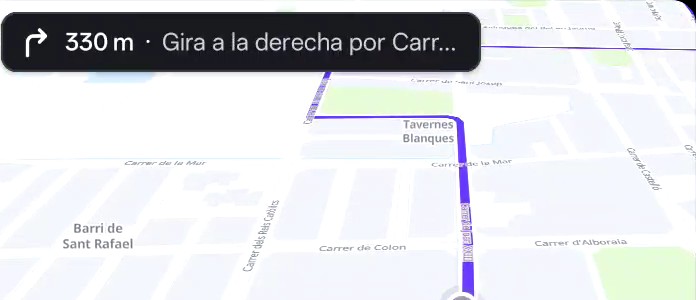
See how far the next turn is and which exit to take at roundabouts.
On motorways and at junctions, Fluye shows you which lane to be in.
Your arrival time changes with the traffic left on your route.
Hear directions and traffic alerts through the car's speakers. You can mute the voice whenever you like.
With or without a cable. Fluye shows up with its icon.
You'll see the map with your next trip.
Or “Go home”. The trip starts and the voice guides you.